Last Updated: October 23, 2026
Quick Summary
Why does my back hurt after sitting at my desk? Your spine is built for movement, and a chair holds it still for hours, so the same muscles and spinal structures carry the load while blood flow slows and muscles stiffen. Slouching and leaning forward flatten your spine’s natural curves and shift load onto your lower back and discs.
- The best sitting posture is one you change often, not a rigid perfect posture.
- Set your monitor so the top line of text sits just below eye level.
- Every 30 minutes, stand and walk for one to two minutes.
- Alternate roughly every 30 to 45 minutes between sitting and standing at a standing desk.
- See a chiropractor when back pain lasts more than a couple of weeks or keeps returning.
Table of Contents
- Why Your Back Hurts After Sitting at Your Desk
- Lower Back Pain From Sitting: Muscles, Discs, and Ligaments
- Upper Back Pain From Sitting at a Desk: Neck, Shoulders, and Mid-Back
- Desk Setup Checklist: Chair, Monitor, and Measurements That Matter
- Stretches for Back Pain From Sitting (Plus a Timed Movement-Break Routine)
- Symptom Guide: What Your Back Pain Pattern May Be Telling You
- When to See a Chiropractor for Back Pain
- Frequently Asked Questions
Why Your Back Hurts After Sitting at Your Desk
If your lower back aches by mid-afternoon and you are wondering why does my back hurt after sitting at my desk, you are not imagining it. The question of why does my back hurt after sitting at my desk has a simple answer: your spine is built for movement, and a chair holds it still for hours. Below, we explain what happens to your spine during desk work, how to set up your workstation, and when to see a chiropractor for back pain. (Source: guidance on musculoskeletal injury prevention)
How Prolonged Sitting and Static Positioning Load the Spine
Prolonged sitting is the habit of holding one position for long stretches without a break. The problem is not sitting itself. It is static positioning.
When you sit still, the same muscles and spinal structures carry the load for hours. Blood flow slows. Muscles tire and stiffen. Many office workers find their back pain builds through the day and eases once they start moving again.
Slouching, Leaning Forward, and Your Natural Spinal Curves
Your spine has natural curves that act like a spring. Slouching and leaning forward flatten those curves. The load shifts onto your lower back and the discs between your vertebrae.
A common mistake is chasing a “perfect” posture and holding it rigidly. In practice, the best sitting posture is one you change often. We tell patients that the next position is often the best one.
Lower Back Pain From Sitting: Muscles, Discs, and Ligaments
Lower back pain from sitting usually comes from three places. Back muscles strain under constant tension. Intervertebral discs lose some of their fluid exchange when you sit still. Ligaments and spinal structures stiffen without movement.
- Muscle strain and fatigue: back muscles work nonstop to hold you upright
- Disc stress: static pressure reduces the natural pumping action that feeds discs
- Ligament stiffness: long stillness makes the lower back feel locked
Movement patterns matter here. Regular walking and stretching help restore physical capacity. According to WorkSafeBC guidance on musculoskeletal injury prevention, keeping workers moving and varying tasks reduces the strain that builds from static positioning.
Upper Back Pain From Sitting at a Desk: Neck, Shoulders, and Mid-Back
Upper back pain from sitting at a desk often starts with the screen. When a monitor sits too low, you lean forward and crane your neck. That shifts your upper body weight onto the neck, shoulders, and mid-back.
Neck pain and muscle spasms in the shoulders are common results. So is a dull ache between the shoulder blades. Raising the screen and pulling the keyboard closer fixes more of this than any stretch.
Set your monitor so the top line of text sits just below eye level. Most people have theirs 10 to 15 centimetres too low, which is why their neck hurts by 3 p.m.
Desk Setup Checklist: Chair, Monitor, and Measurements That Matter
A good desk setup comes down to a few measurements. Use this checklist and adjust as needed.
- Feet flat on the floor, or on a footrest if your chair is too high
- Knees at roughly hip height, with a small gap behind the knees
- Chair back supporting the natural curve of your lower back
- Elbows near 90 degrees, shoulders relaxed
- Monitor top at or just below eye level, about an arm’s length away
- Keyboard and mouse close enough that you do not reach forward
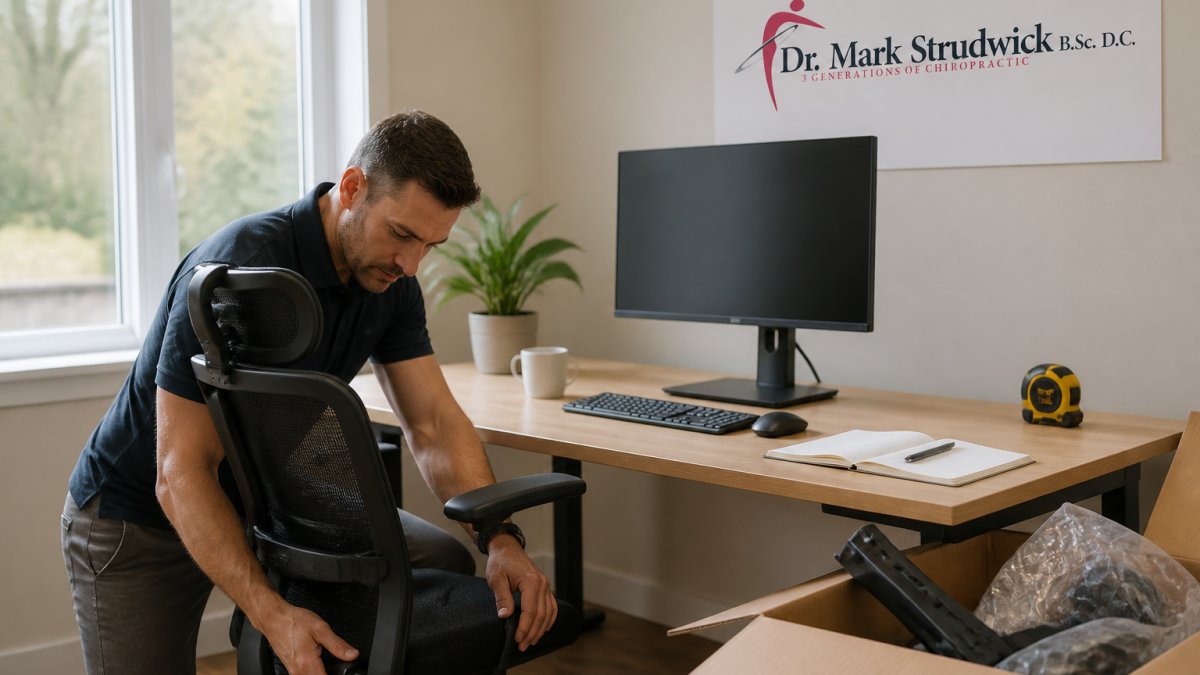
Workplace ergonomics is not about buying gear. It is about matching the desk and chair to your body. If you work from home, check your setup the same way you would in an office.
Stretches for Back Pain From Sitting (Plus a Timed Movement-Break Routine)
Stretches for back pain from sitting work best when paired with movement breaks. The routine below is designed for a normal workday: short, desk-friendly, and easy to repeat.
The timed routine
- Every 30 minutes: stand and walk for one to two minutes. Use a phone timer or calendar reminder for the first week until it becomes a habit.
- Every hour: do a gentle standing backward bend, five slow reps, hands on your lower back, no forcing.
- Every two hours: stretch the chest in a doorway for 20 seconds, twice, and roll your shoulders back five times.
- Midday: take a 10-minute walk, ideally outdoors. Walking is the simplest way to restore movement after static sitting.
- End of day: lie on your back with knees bent for two minutes, then gently rotate your knees side to side. (Source: Canadian Centre for Occupational Health and Safety (CCOHS) resources on ergonomics)
Desk-friendly movements that do not need a mat
- Seated pelvic tilt: sit tall, tilt your pelvis forward and back slowly for 10 reps. This gently moves the lower back without leaving the chair.
- Standing hip hinge: stand, soften your knees, and hinge forward slightly at the hips for five slow reps. Keep the movement small.
- Doorway chest stretch: place your forearms on the door frame and step through gently for 20 seconds.
- Shoulder-blade squeeze: pull your shoulder blades back and down for five seconds, repeat five times.
Personalizing the routine to your setup
- Laptop-only work: the screen is usually too low, so add a stand or a stack of books and use an external keyboard and mouse. Without that, your neck and upper back take the load.
- Standing desk: alternate roughly every 30 to 45 minutes between sitting and standing. Standing still for hours is not better than sitting still for hours.
- Shared workstation: keep a small footrest and a portable laptop stand in your bag so you can adjust any desk to your body.
- Limited-space home office: a kitchen counter or a stable surface at the right height can work for short standing periods; prioritize the chair and screen height first.
What the evidence supports, and what it does not
There is no single perfect posture. Movement, comfort, and individual factors matter alongside ergonomics. A common pattern is that people who change positions often and take short, frequent breaks report less stiffness than those who hold one “correct” posture rigidly.
The goal is not a perfect stretch or a perfect chair. It is to interrupt static positioning often enough that your back does not carry the same load for hours.
Symptom Guide: What Your Back Pain Pattern May Be Telling You
Your pain pattern is a useful clue, but it is not a diagnosis. The table below maps common patterns to likely causes and practical next steps.
| Symptom Pattern | Possible Cause | What Often Helps | When to Escalate |
|---|---|---|---|
| Dull ache that builds through the day and eases after you stand | Muscle fatigue and stiffness from static sitting | Movement breaks, setup fixes, short walks | If it persists most days for more than two weeks |
| Sharp lower back pain when standing up from a chair | Muscle strain or joint stiffness after prolonged flexion | Gentle movement, gradual position changes, assessment | If the sharp pain repeats or limits standing |
| Neck and shoulder tightness, ache between the shoulder blades | Low monitor, forward head position, keyboard too far away | Raise screen, bring keyboard closer, chest stretches | If you get numbness or tingling in the arms or hands |
| Pain that eases with walking and returns when you sit | Static positioning and reduced movement | More frequent breaks, alternate sitting and standing | If walking no longer eases it |
| Pain that travels down a leg, with numbness or weakness | Possible nerve involvement (for example, from a disc) | Professional assessment before pushing through | Promptly, do not rely on desk fixes alone |
| Pain in the hip or buttock that worsens with sitting and improves with standing | Possible hip joint or gluteal involvement | Assessment to distinguish from lower-back causes | If it persists or changes your walking pattern |
Why the pattern matters. Posture-related discomfort usually follows a load pattern: it builds with sustained sitting, eases with movement, and responds to setup changes within days to a couple of weeks.
A note on self-diagnosis. Online guides, including this one, cannot examine you. A physiotherapist, chiropractor, or physician can assess movement, strength, and nerve signs in person.
Seek urgent medical care for severe pain after an injury, loss of bladder or bowel control, numbness in the groin area, or new weakness in both legs. Those signs need a doctor, not a desk fix.
Keep a simple two-day log: when the pain starts, what you were doing, what eases it, and whether it travels. That pattern is more useful to a clinician than a single pain score.
When to See a Chiropractor for Back Pain
See a chiropractor for back pain when it lasts more than a couple of weeks, keeps returning, or limits your daily activity.
At Strudwick Chiropractic, Dr. Mark Strudwick brings over 25 years of experience and an International Certificate in Sports Chiropractic.
Seek urgent medical care for severe pain after an injury, loss of bladder or bowel control, or numbness in the groin area.
Frequently Asked Questions
Why does my back hurt when I sit but not when I walk?
Walking keeps your spine moving through a range of positions and engages your back and core muscles, which supports spinal alignment. Sitting holds you in one static position, so the same muscles and ligaments stay loaded without a break. That sustained load can cause muscle fatigue, strain, and discomfort in the lower back. If your pain reliably eases when you move and returns when you sit, prolonged static positioning is a likely contributor, and changing positions more often is a practical first step.
How often should I get up and move to help prevent desk-related back pain?
A practical rule is to change positions every 20 to 30 minutes, even if only for a minute or two. Stand up, walk to fill your water, or run through a short stretch. Pair this with a longer movement break every hour. The goal is to avoid long stretches of static positioning rather than to hit an exact number. If you lose track of time, set a recurring timer or use a standing desk to alternate between sitting and standing through the day.
What are the worst sitting positions for lower back pain?
Slouching with your lower back rounded, leaning forward with your head ahead of your shoulders, and sitting with your legs crossed for long periods all increase strain on spinal structures. Sitting on the edge of the chair without back support, or perching with your feet off the floor, also loads the lower back. The fix is not one perfect posture but regular change: keep your feet supported, your lower back against the chair, and your screen at eye level, then shift position often.
When should I see a chiropractor for back pain?
See a chiropractor or another qualified health professional if back pain lasts more than a couple of weeks, keeps returning, or interferes with work and sleep. Seek care promptly if you notice numbness, weakness, or pain radiating down a leg, or if pain follows an injury or accident. A chiropractor can assess your movement patterns and posture, explain what is likely driving the pain, and build a plan that may include manual therapy, soft tissue work, and rehabilitation exercises.
Your back does not have to hurt every afternoon. Small changes to your setup, a timed movement routine, and a proper assessment can break the cycle of work-related pain. If desk work keeps flaring your back, book a visit with Strudwick Chiropractic. We will assess what is driving your pain and build a plan around your body and your workday.